The Easiest Way to Install Home Assistant on Mac
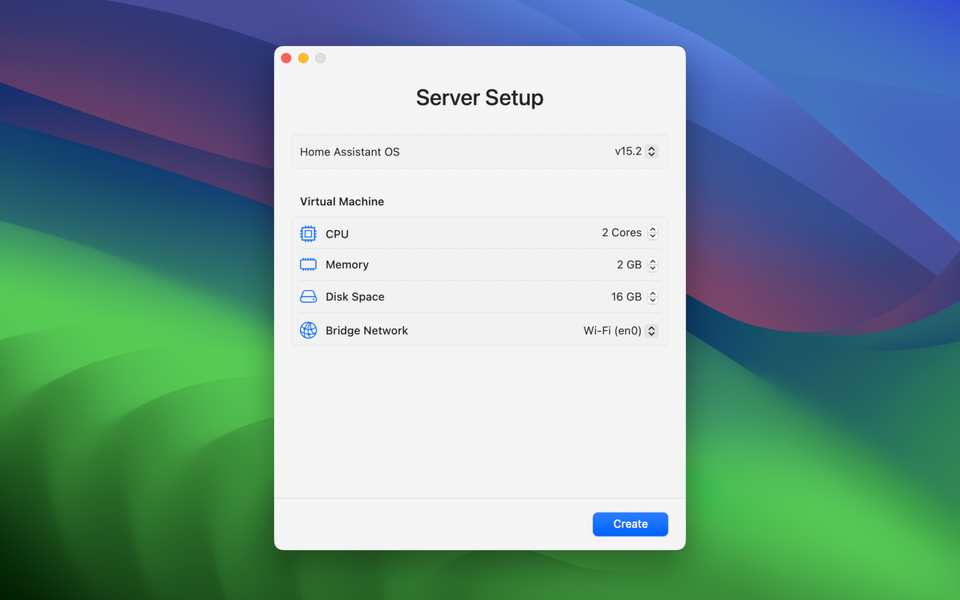
If you've ever searched for "how to run Home Assistant on Mac", you've probably found complicated tutorials filled with technical steps, manual configuration.
There's now a much simpler and more elegant way.
Server for Home Assistant is a macOS application designed to run Home Assistant OS directly on a Mac with one-click. It runs on Apple's latest virtualization framework and is very lightweight.
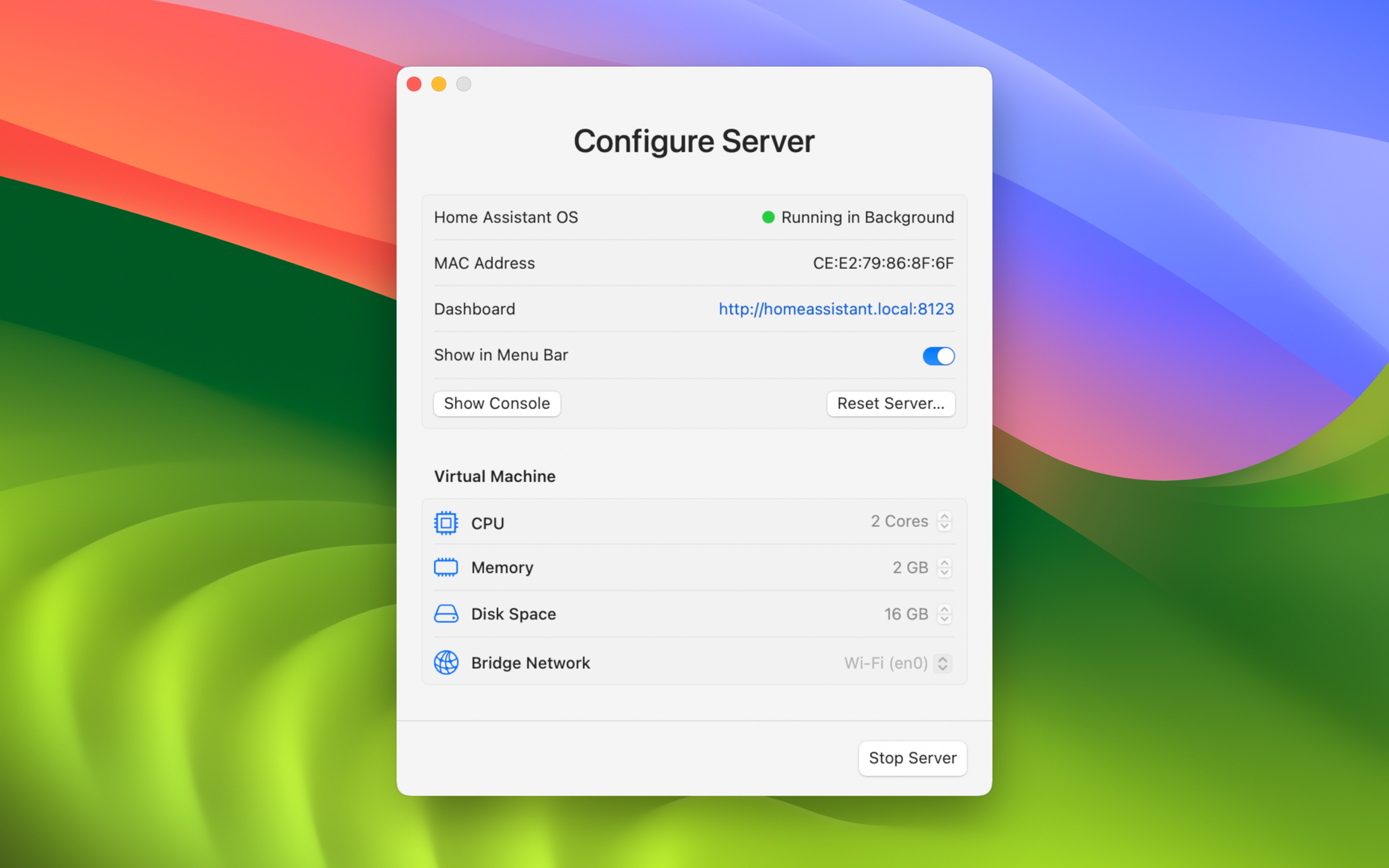
It automates the setup of a Home Assistant server using macOS's built-in virtualization technologies. This results in stable performance and efficient resource usage on both Apple Silicon and Intel Macs.
Background Operation
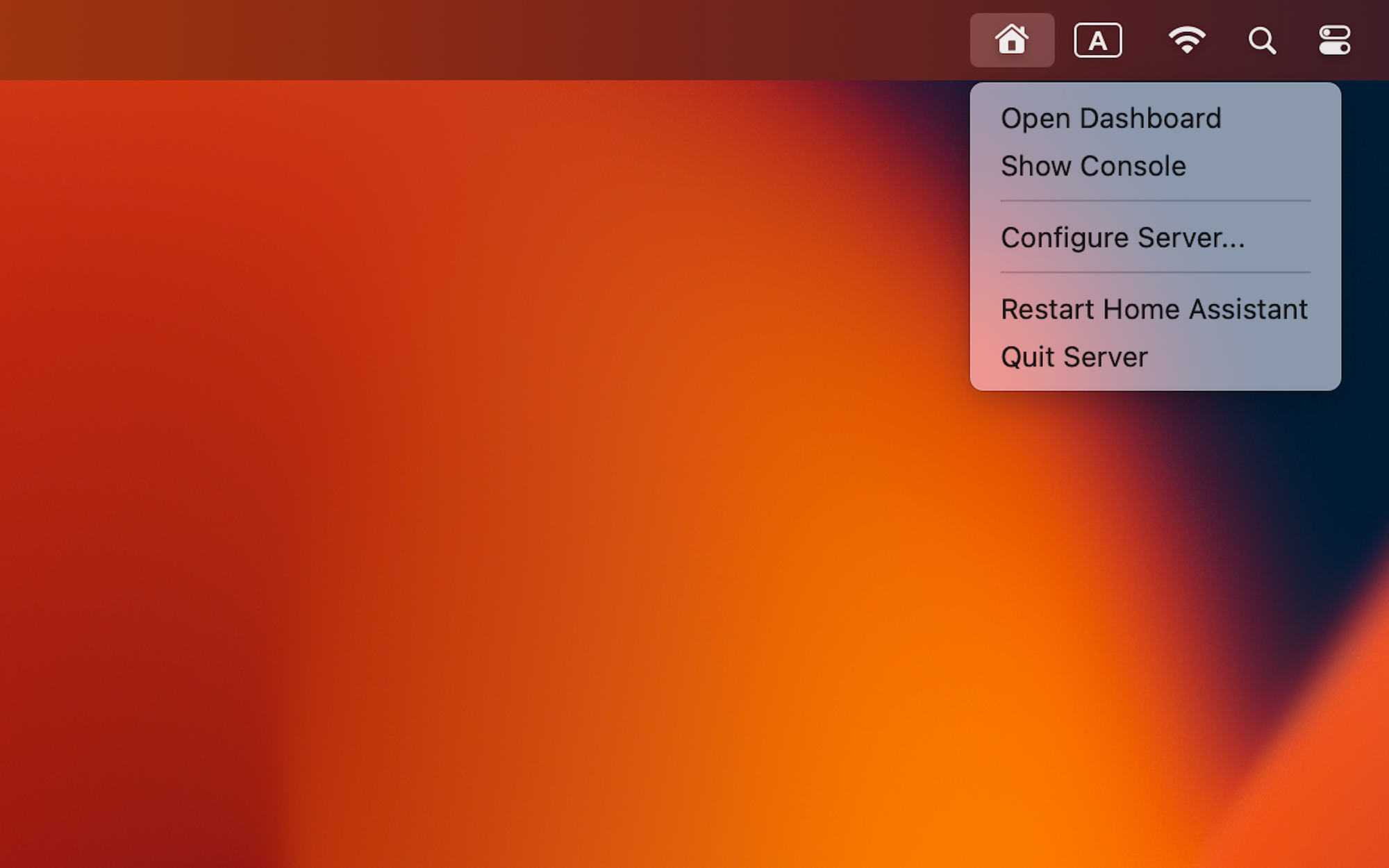
Once running, the HA server operates silently in the background. A menu bar option provides quick access to the dashboard and server controls.
Bridged Networking
The Home Assistant instance appears as a device on the local network. This allows proper device discovery and compatibility with Matter, Thread, and IPv6-enabled environments.
HAOS
The app runs the complete Home Assistant Operating System rather than a limited installation. This includes support for HomeKit, add-ons, HACS custom integrations, SMB file server, and command line access.
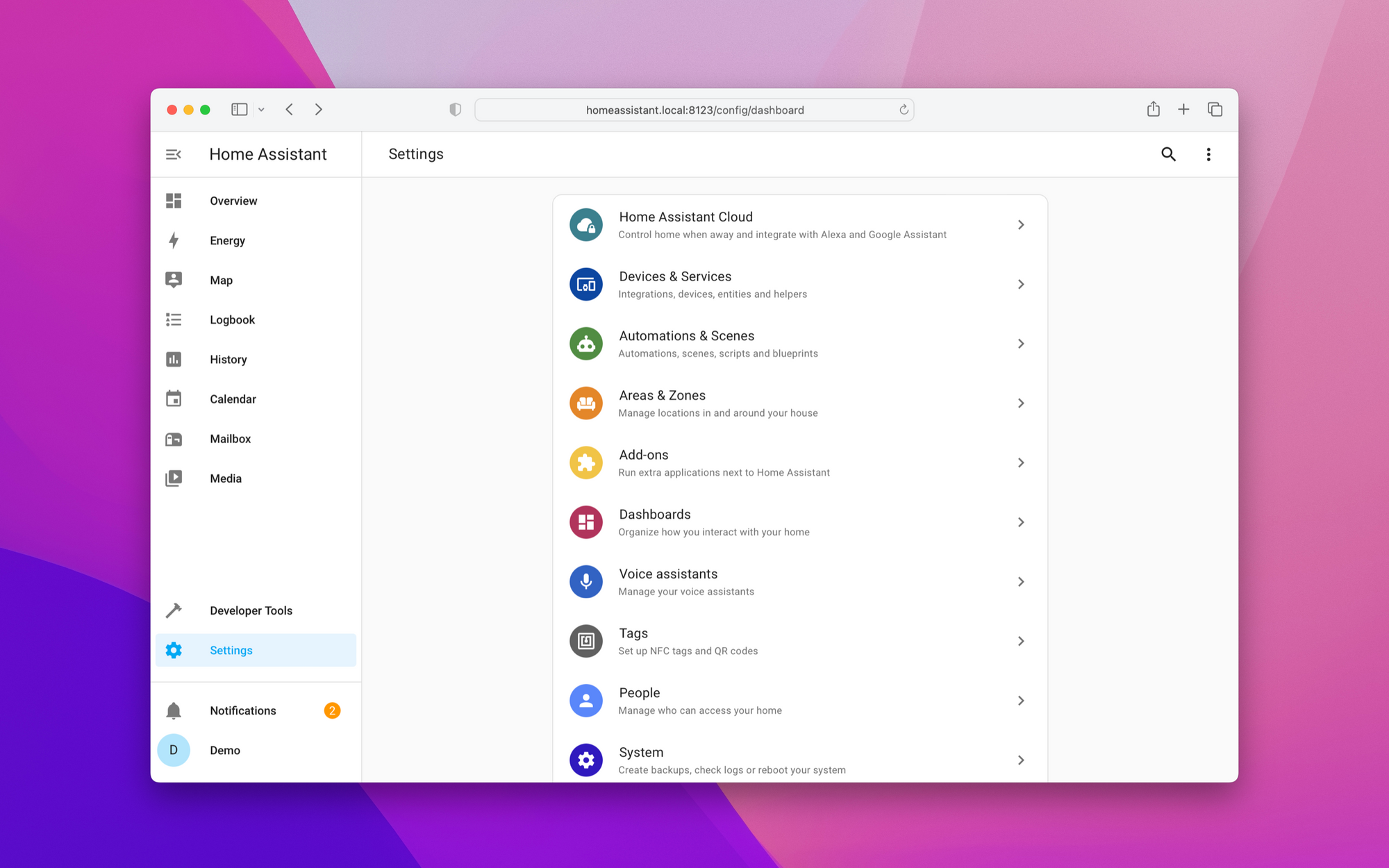
Server for Home Assistant provides a structured and simplified way to run Home Assistant OS on macOS. It removes the need for manual virtual machine management while preserving the full functionality of Home Assistant OS.
For users who want to operate a smart home automation hub on a Mac, such as a Mac mini, the app delivers a clean and lightweight solution that requires minimal setup.
App Store Link:
https://apps.apple.com/us/app/server-for-home-assistant/id6447077874